YouTube Subtitle and Metadata Translation for Business: Unlock Your Channel’s Full Potential
Hi all! We are the Creator Tools team, dedicated to developing tools that make life easier for content creators and help them earn more. In this article: why a business channel should translate the subtitles, titles and descriptions of its YouTube videos and what it gains.
Did you know that adding translated subtitles to your business channel videos can bring significant benefits? Here are the main advantages.

New Markets
Expand your audience by attracting viewers from different countries and cultures. Subtitle translation makes your content accessible globally, allowing you to tap into entirely new markets.
Better YouTube SEO
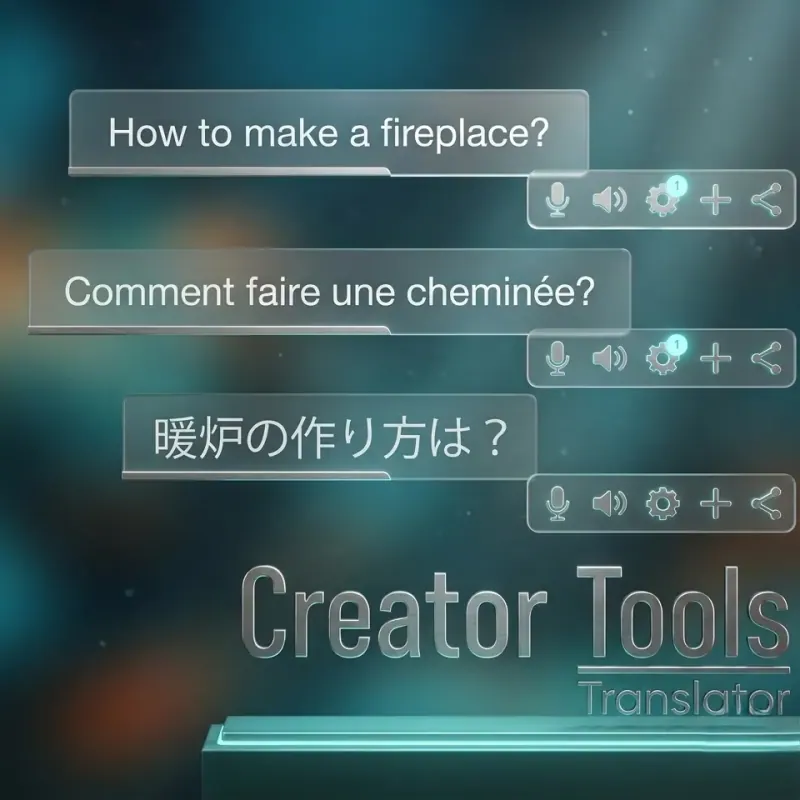
Translating subtitles, titles, and descriptions into multiple languages enhances your video's visibility in search results. More languages mean more discoverability — and more views and subscribers as a result.
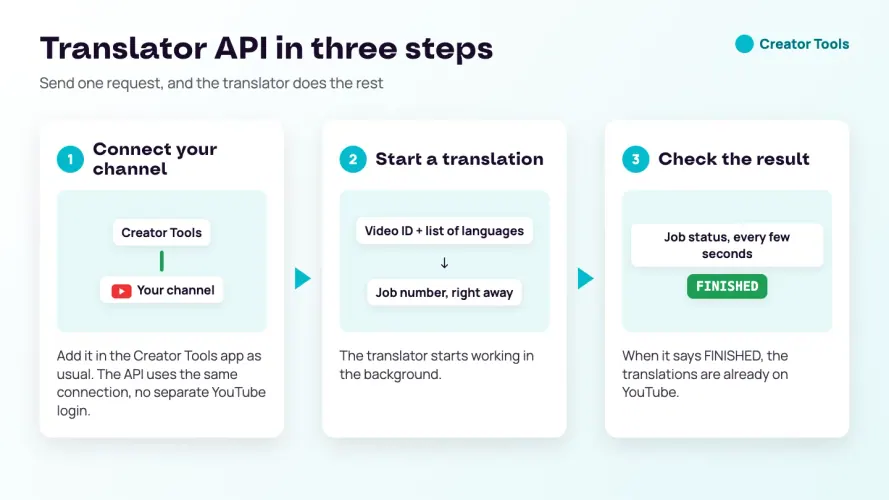
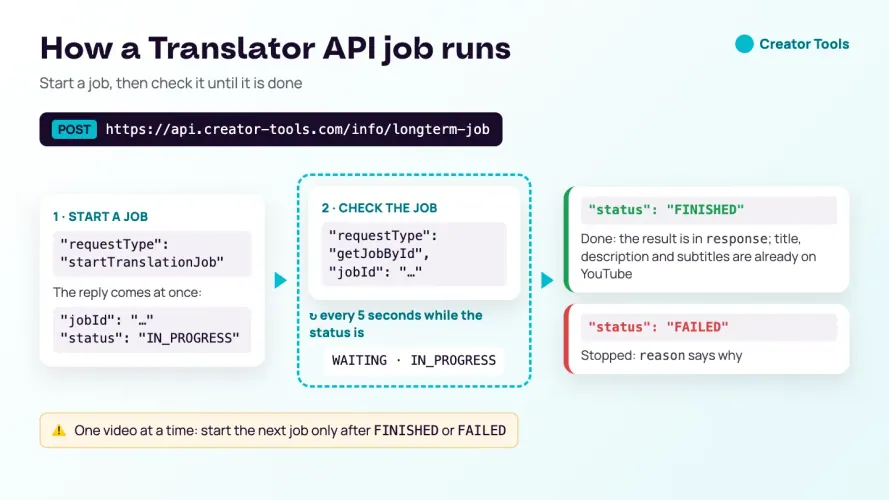
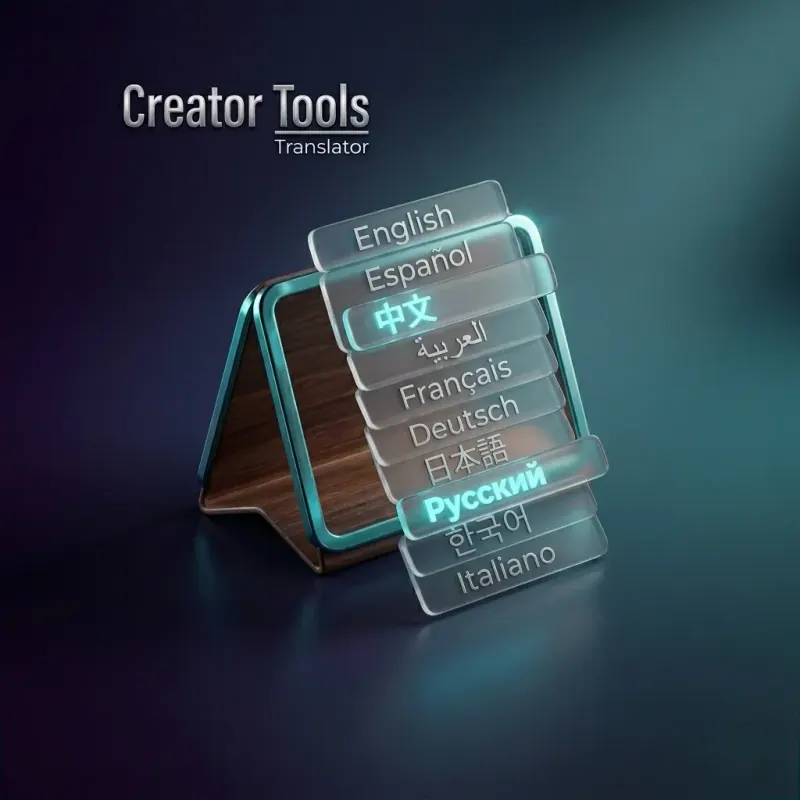
Translating titles, descriptions and subtitles one video at a time takes hours. Creator Tools translates them into 143 languages, and the first 300 translations are free, no credit card needed.
Better Understanding of Your Product or Service
Help viewers grasp your content more effectively, especially when it involves technical terms or specialized vocabulary. Translated subtitles ensure your message is clear and comprehensible to a much broader audience.
Professional Image
Providing translated subtitles shows your audience that you care about accessibility. It demonstrates your commitment to reaching everyone and reinforces the professionalism of your brand.
Which Videos to Translate First
A business channel rarely needs every video in every language. Start where translation pays back fastest:
- Product demos and explainers. They answer the questions buyers ask before a purchase, in any country.
- How-to and support videos. Customers abroad who already use your product need them, and every view saves a support request.
- Evergreen videos with steady views. If a video still brings visitors a year after publishing, translation multiplies an existing asset.
- New uploads. Once the process is in place, translate each new video on the day it goes live, so it never starts in one language only.
Leave short-lived content — event announcements, time-limited offers — for last, or skip it.
How to Choose Languages for a Business Channel
- Follow your customers. Start with the countries where you already sell, ship or have partners.
- Check your analytics. YouTube Studio shows where viewers come from and which subtitle languages they use. Countries that already watch without translation are the easiest to grow.
- Think in regions. Spanish, Portuguese, French and Arabic each cover many markets at once.
- Respect local variants. US and UK English, or Portuguese for Portugal and Brazil, differ in spelling and vocabulary that customers notice.
Keep Terminology and Brand Names Consistent
For a business, a mistranslated product name is worse than no translation. Decide in advance which words must never change — brand names, product lines, model numbers, slogans — and protect them. In Creator Tools you wrap such words in [[double brackets]] and they stay exactly as written in every language. For technical channels, choose a formal tone and check a few key terms with a native speaker before translating the whole library.
Adapt the Description, Not Only the Words
The description is where a viewer decides what to do next. When you translate it, review the links and calls to action as well: point viewers to a page in their language if you have one, mention international shipping or support if you offer it, and remove offers that are not valid in that market. Subtitles carry the message; the description turns interest into action. The free course lesson on your first YouTube upload, step by step shows where these fields live in YouTube Studio and how translations fit into publishing.
How to Measure the Results
Give translations a few weeks, then compare. Look at views and watch time from the new countries, the subtitle languages viewers switch on, and — most important for a business — traffic and enquiries from those regions on your website. Keep the languages that bring results and drop those that do not.
Take the First Step Towards Global Reach
Feel free to contact us if you have any questions or need further assistance. Let's work together to make your content accessible and grow your audience worldwide.
YouTube Translation for Business: FAQ
Can YouTube videos be translated?
Yes. You can translate a video’s subtitles, title and description into other languages, so viewers in other countries can find it and understand it.
Why should a business channel translate its YouTube videos?
Translation opens new markets, improves visibility in search, makes technical terms clear to a broader audience and shows customers that the brand cares about accessibility.