How to Translate YouTube Subtitles the Right Way — and Watch Your Views Grow
This guide shows how to translate YouTube subtitles without the manual grind: what a good translation workflow includes, why localization pays off, and how to hand the routine to automation.
Stop Letting Routine Tasks Slow You Down
When you're deep in a content production rhythm, repetitive tasks can quietly eat away at your momentum. Manually adding subtitles and localizing videos for international viewers is one of the biggest time sinks creators face — it can take anywhere from 30 minutes to 2 hours per video.
That's time you could spend filming, planning your next script, or simply connecting with your audience.

If subtitles and titles are what eat that time, Creator Tools translates them into 143 languages. The first 300 translations are free, no credit card needed.
What Optimized Subtitle Translation Actually Looks Like
Getting subtitles right isn't just about accuracy — it's about making your content feel native to each audience. A well-localized video performs better in search, holds viewers longer, and earns more engagement from speakers of that language.
Here's what an optimized translation workflow includes:
- Automated localization — translating subtitles and video metadata into multiple languages in minutes, not hours
- Metadata translation — titles, descriptions, and tags adapted for each target market
- Consistent formatting — subtitles timed correctly and readable at a natural pace
The Real Benefits of Localizing Your Content
Localized content consistently outperforms non-localized content in watch time, click-through rate, and subscriber growth in international markets.
- Speed — what used to take hours can now be done in minutes
- Global reach — share your videos with audiences in their native language without a dedicated translation team
- More views and engagement — accessible content earns more likes, comments, and subscriptions
- Focus on creativity — reclaim time for the work that actually grows your channel
Why YouTube Creators Skip Localization — and Why That's a Mistake
Most creators avoid translation because the manual process feels overwhelming. But leaving international audiences with no subtitles — or auto-generated captions full of errors — means losing viewers who would otherwise stick around.
Even a single additional language can open your channel to millions of new potential subscribers.
How to Translate YouTube Subtitles Automatically with Creator Tools
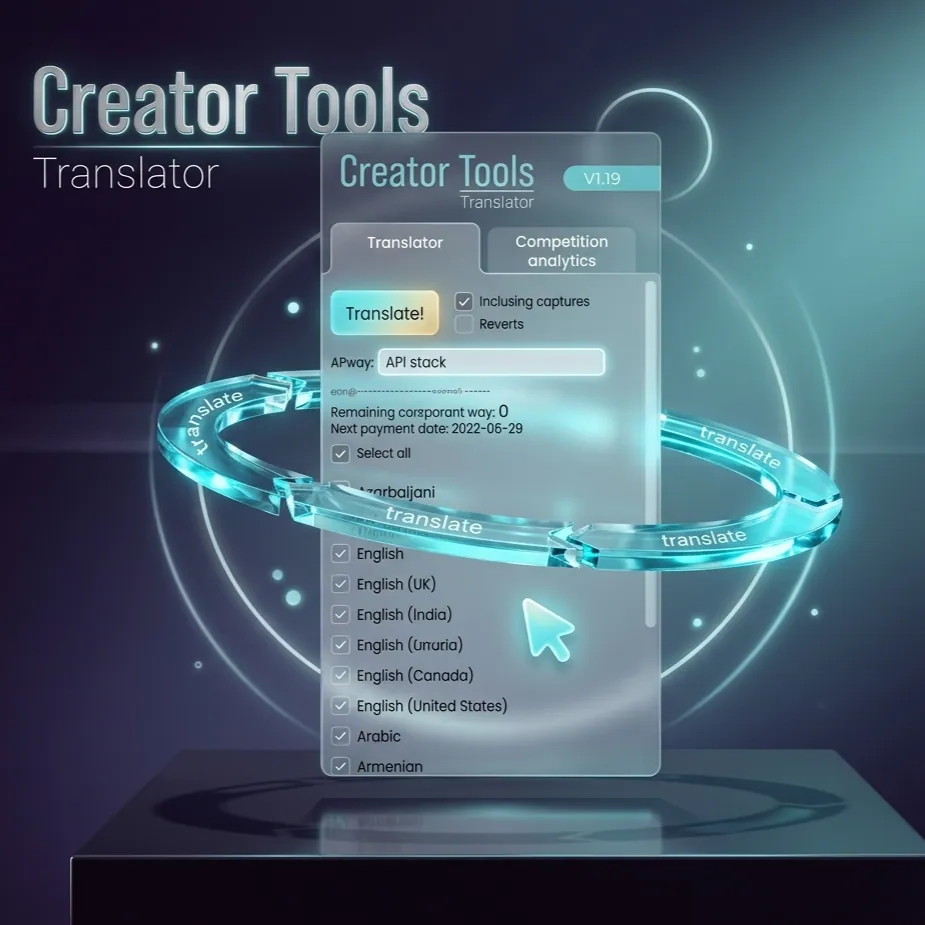
Creator Tools automates the entire subtitle and metadata translation process. Upload your video, select your target languages, and the service handles the rest in minutes.
This frees you to focus on what drives real channel growth: new videos, audience engagement, and the creative work that made you start a channel in the first place.
Translating YouTube Subtitles: FAQ
How long does it take to translate YouTube subtitles by hand?
Manually adding subtitles and localizing a video for international viewers can take anywhere from 30 minutes to 2 hours per video.
How do I translate YouTube subtitles automatically?
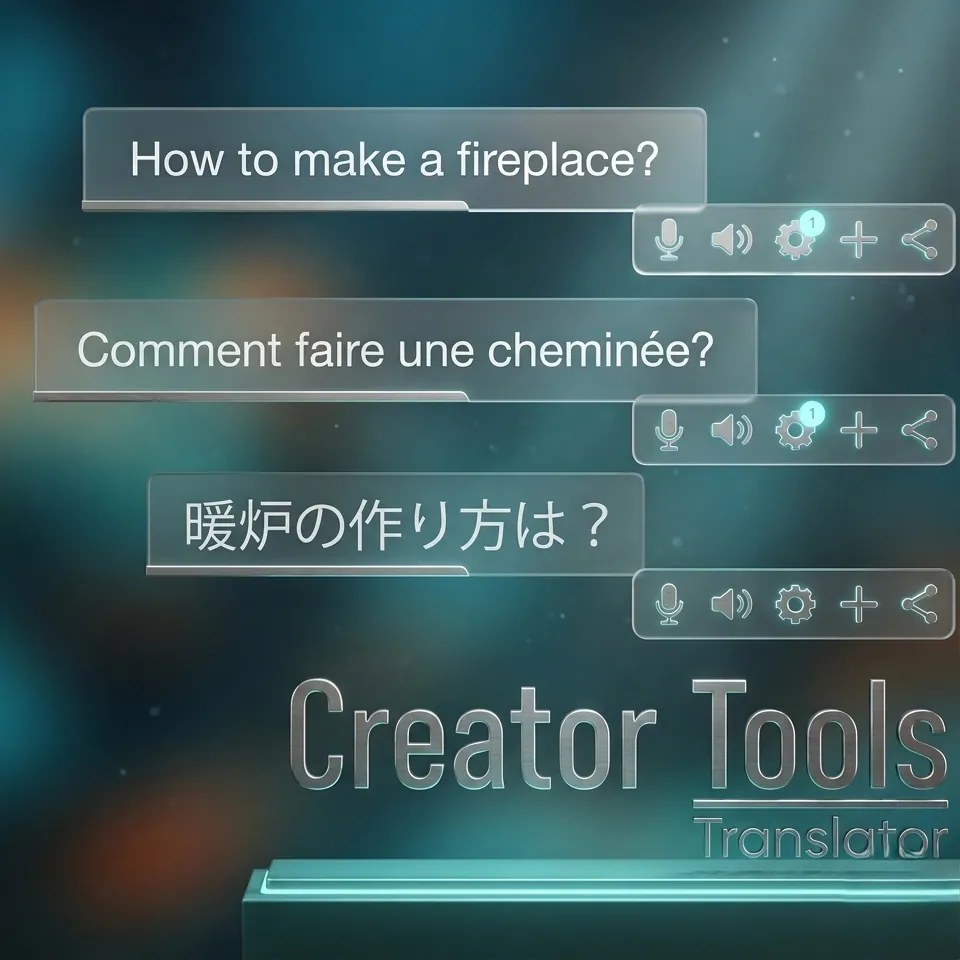
Select the video and your target languages in Creator Tools, and the service translates the subtitles, title and description for you. The translations go live in YouTube Studio in about 30 seconds.
Can AI translate YouTube subtitles into many languages at once?
Yes. Creator Tools translates subtitles and video metadata into 140+ languages in one go, so you do not need a dedicated translation team.