YouTube Comment Automation: When Comments Get Out of Control
YouTube comment automation takes the repetitive work off your hands: it answers basic comments, filters out unwanted ones and helps you see what matters, so a growing channel can keep up with hundreds of comments. Here is what it does and how to set it up.
Hundreds and thousands of comments under a video are impossible to process manually. Replying to them all is unrealistic. Important messages get lost in the flood. Repetitive questions go unanswered. And valuable insights that could influence content and channel growth simply dissolve in the noise.

As a result, comments go from being an asset to an overload.
What Does YouTube Comment Automation Do?
Comment automation isn't about "replacing humans," but about removing the routine and leaving only what's valuable. Modern tools allow you to take on much of the repetitive work: responding to basic comments, filtering spam, structuring the message flow, and highlighting what's truly important.
How Do Auto-Replies Answer Comments Without You?
Auto-replies help answer the most frequently asked questions. If viewers regularly ask the same questions, the system can respond instantly—without delays or intervention from the author. This not only saves time but also increases audience satisfaction: people receive an answer immediately.
Creator Tools answers these repeated questions for you, in your voice and in each commenter’s language. The first 200 replies are free, no credit card needed.
Can Automation Filter Spam and Toxicity?
Instead of manually cleaning comments, you can automatically filter out unwanted content and maintain a healthy atmosphere under the video. This directly impacts the channel's perception.
How Do You Find What's Important in the Comment Stream?
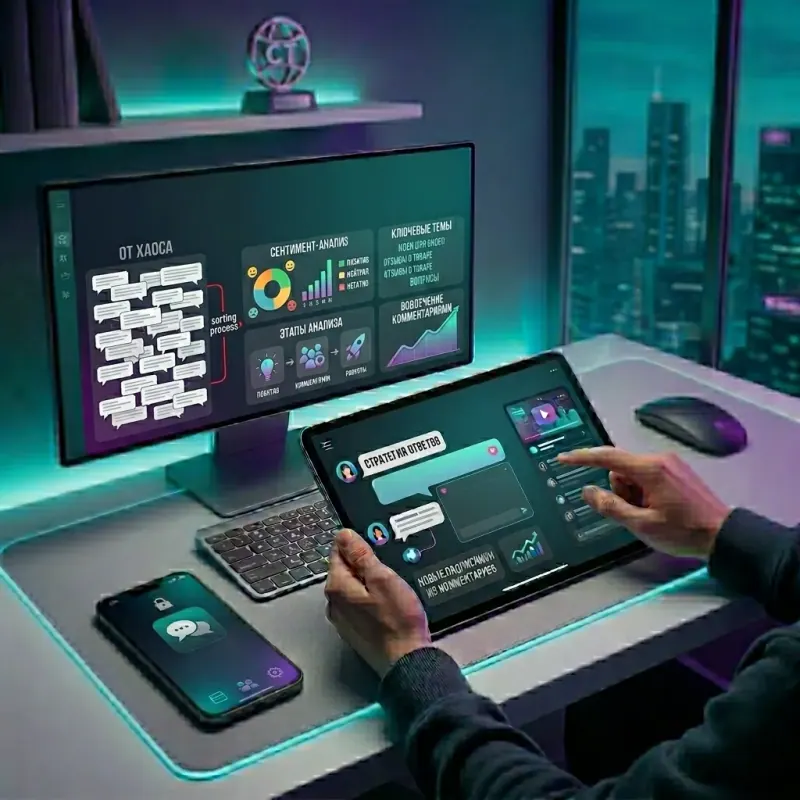
Beyond replies, some automation tools also offer analytics: they can highlight important comments, group them by topic, determine sentiment, and assign tags.
As a result, instead of chaos, you get a structured picture: what the audience likes, where problems arise, and which ideas are repeated most often.
How Does It Work for Bloggers and Brands?
For a Blogger.
Automation gives you quick access to content ideas. When you see the same topic being requested dozens of times, it's no longer a guess—it's confirmed demand. You can stop making up topics "off the cuff" and start relying on real audience demand.
For a Brand.
It's a reputation management tool. Negative comments can be identified immediately and responded to promptly, preventing problems from escalating. Positive comments can be amplified by engaging the audience in dialogue. As a result, comments begin to work for your image, not against it.
How Do You Set Up Comment Automation?

The setup is much simpler than it seems. In Creator Tools, it starts with connecting your YouTube channel. Then you choose the reply tone, role and form of address and add your own instructions if needed.
After that, you either review the AI drafts before publishing or turn on auto-reply, which checks the latest 50 comment threads every 10 minutes and replies for you. Stopwords let you skip comments you would rather answer yourself.
Then the system works alongside you: it processes the comment flow, and you engage where it really matters.
FAQ
What is YouTube comment automation?
It is a set of tools that take on repetitive work: answering basic comments, filtering spam and toxicity, structuring the message flow and highlighting what is truly important.
Does comment automation replace the creator?
No. Automation removes the routine and leaves what’s valuable: the system processes the comment flow, and you engage where it really matters.
How do you set up comment automation?
Connect your YouTube channel, choose the reply tone and add your own instructions. Then review AI drafts before publishing, or turn on auto-reply so replies go out every 10 minutes without manual work.
Conclusion and Next Step
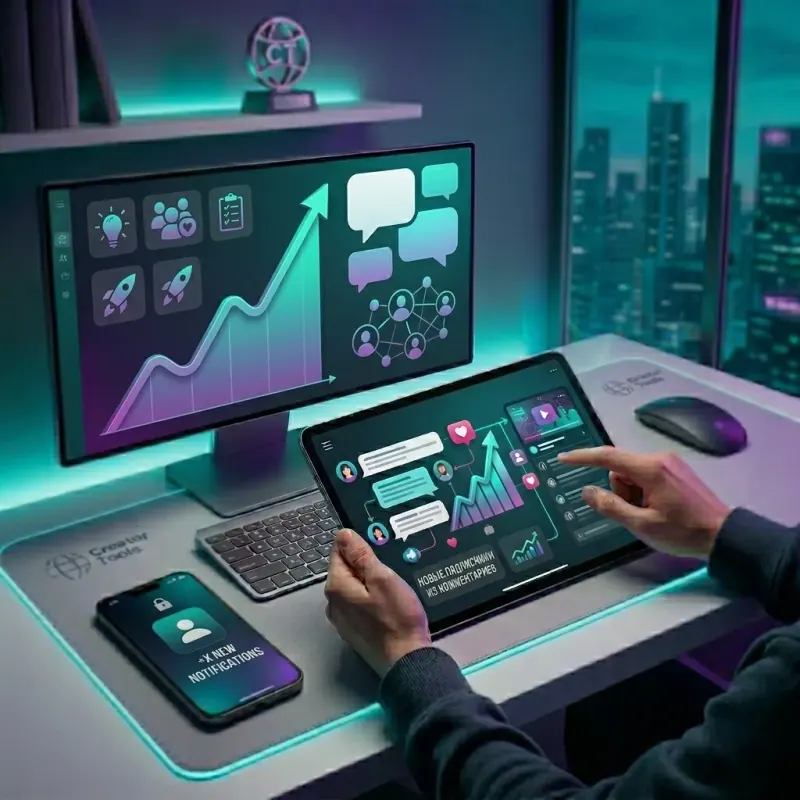
And this is the key benefit of automation—you stop drowning in comments and start using them as a growth tool.
Because comments themselves are potential.
But only with the right tools can they be transformed into results.
If you want to stop wasting hours on manual work and start extracting real value from comments, it's time to try automation in action.