YouTube Comments Are a Free Source of Audience Research
Most creators underestimate the value of YouTube comments.
They see them as a place where viewers say thanks, ask questions, or debate with each other.
But comments are much more than engagement.
They reveal what your audience wants, what frustrates them, what they’re willing to pay for, and what content they want next.
If you analyze comments systematically, you gain something incredibly valuable: ongoing audience research—completely free.
Why Comments Are More Honest Than Surveys
Surveys can be useful, but they have limitations.
When people answer direct questions, they often give polished or socially acceptable responses instead of honest ones.
Questions like:
- What content do you want next?
- What product would you buy?
- What are you struggling with?
Usually produce vague answers.
Comments work differently.
People leave comments in the moment—while reacting emotionally to something they just watched.
That’s why comments tend to be more honest and specific:
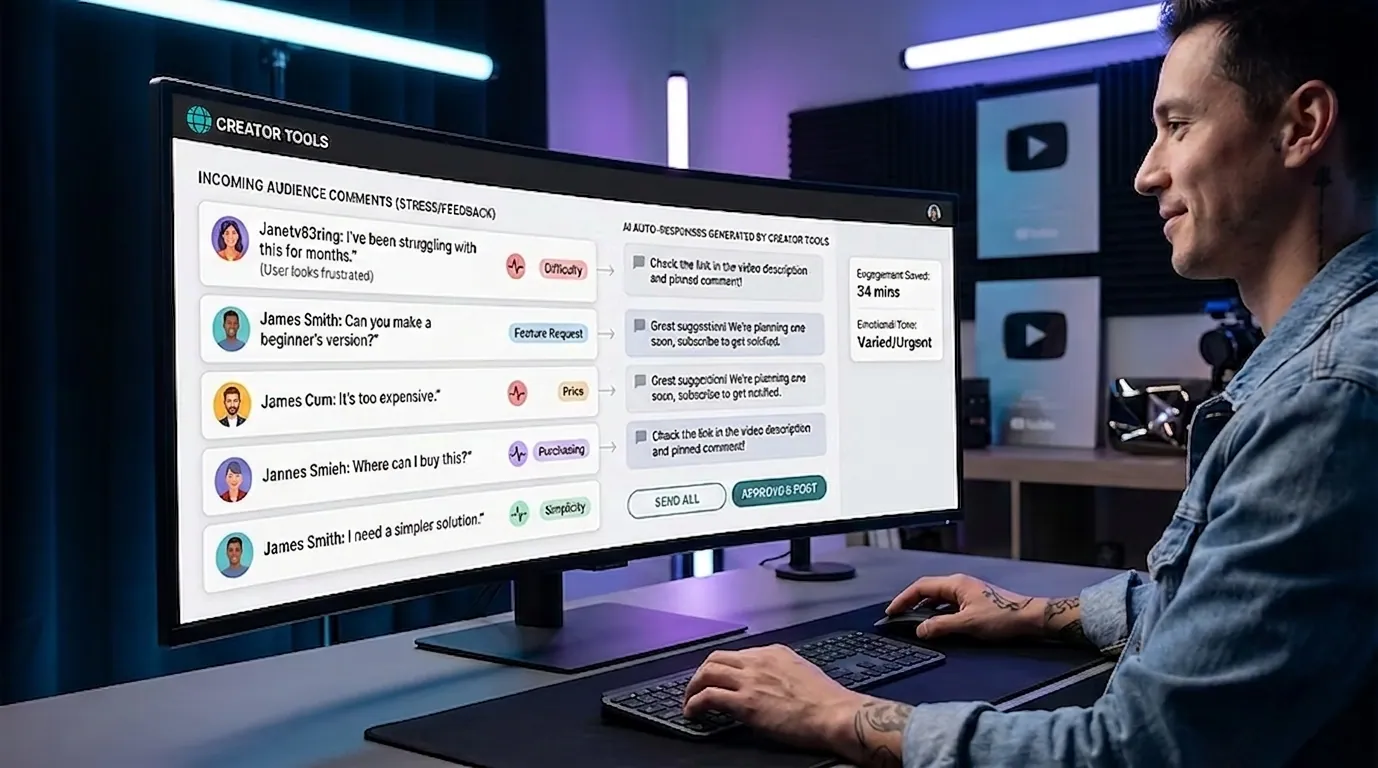
- “I’ve been struggling with this for months”
- “Can you make a beginner version?”
- “This is too expensive”
- “Where can I buy it?”
- “I need a simpler solution”
This kind of feedback is far more valuable than a traditional questionnaire.
What You Should Look For in Comments
Reading comments randomly quickly becomes overwhelming.
Instead, focus on identifying patterns.
The most valuable signals usually fall into three categories.
Audience pain points
These reveal what people struggle with.
Examples:
- I can’t get views
- I don’t understand how ads work
- This is too complicated
- I don’t have enough time
- It’s too expensive
Pain points often become your best content and product ideas.
Audience goals and desires
These show what people are trying to achieve.
Examples:
- I want to grow my YouTube channel
- I want clients from my videos
- I want to automate my workflow
- I want more subscribers
This helps you shape stronger offers and messaging.
Recurring questions
Repeated questions reveal what your audience still doesn’t understand.
Examples:
- Where should I start?
- Which tool should I use?
- How much does it cost?
- Does this work in my country?
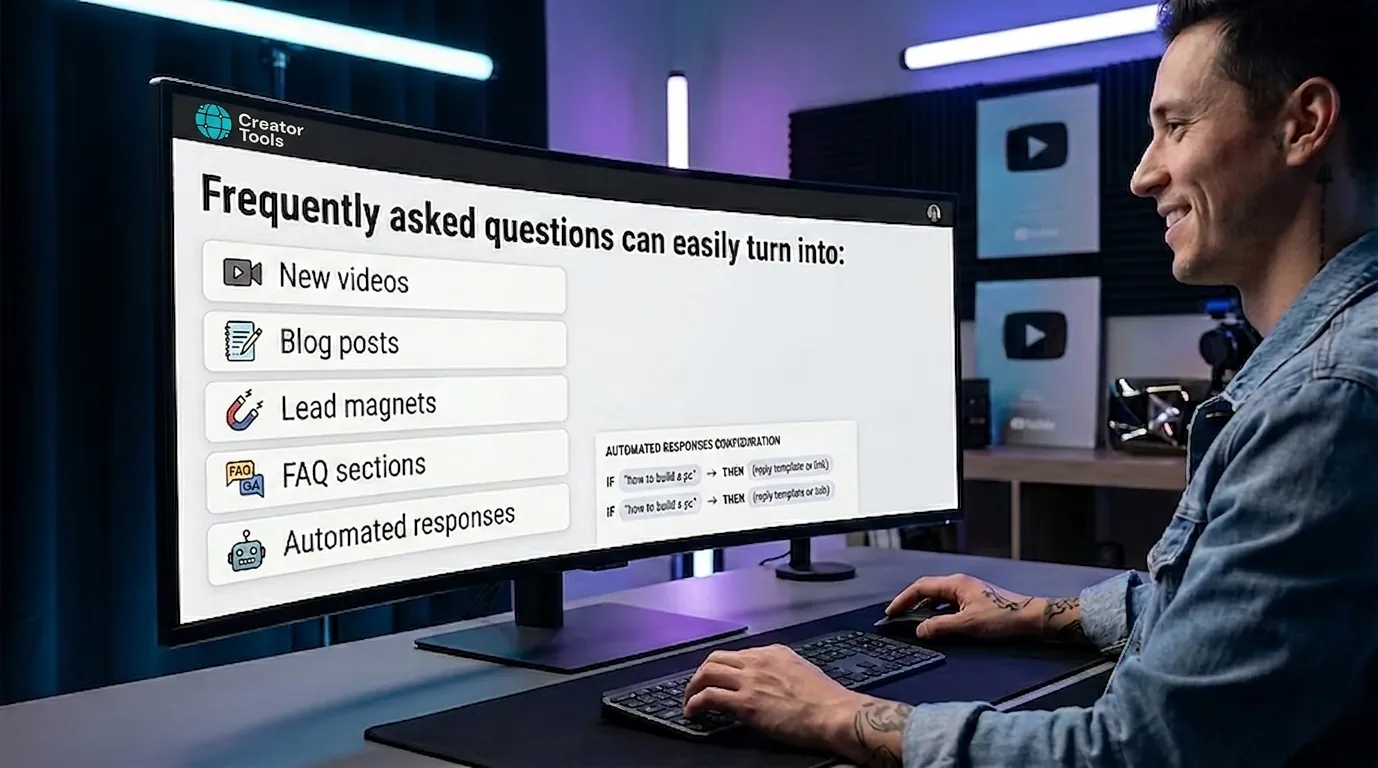
Frequently asked questions can easily turn into:
- new videos
- blog posts
- lead magnets
- FAQ sections
- automated replies
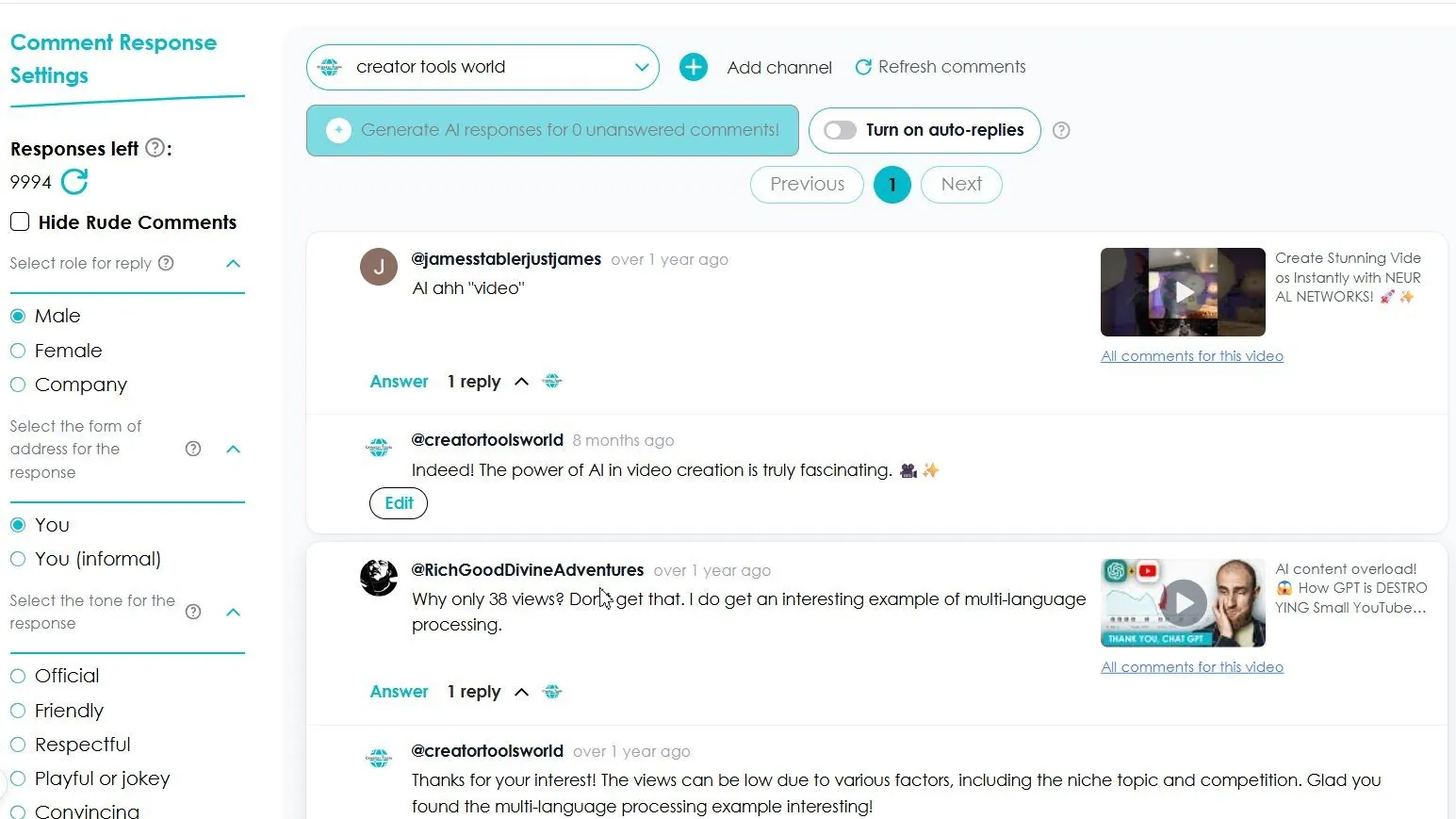
Recurring questions are also the easiest to hand off: Creator Tools answers them in your voice, in 140+ languages. The first 200 replies are free, no credit card needed.
How AI Can Analyze Thousands of Comments
On smaller channels, manually reading comments is manageable.
But once you’re dealing with hundreds or thousands of messages, patterns become harder to spot.
This is where AI becomes useful.
Modern tools can automatically:
- collect comments across videos
- group similar questions
- detect audience sentiment
- identify recurring pain points
- highlight trending topics
- surface unanswered questions
- detect buying intent
Example
Out of 3,000 comments, AI might reveal:
- 27% ask about pricing
- 18% want beginner tutorials
- 14% say the topic feels too complicated
- 11% are interested in training or coaching
- one specific topic is requested repeatedly
Instead of manually sorting through thousands of comments, you immediately see what matters most.
How to Find Ideas for New Videos
A lot of creators constantly ask themselves:
“What should I make next?”
Very often, the answer is already sitting in the comments section.
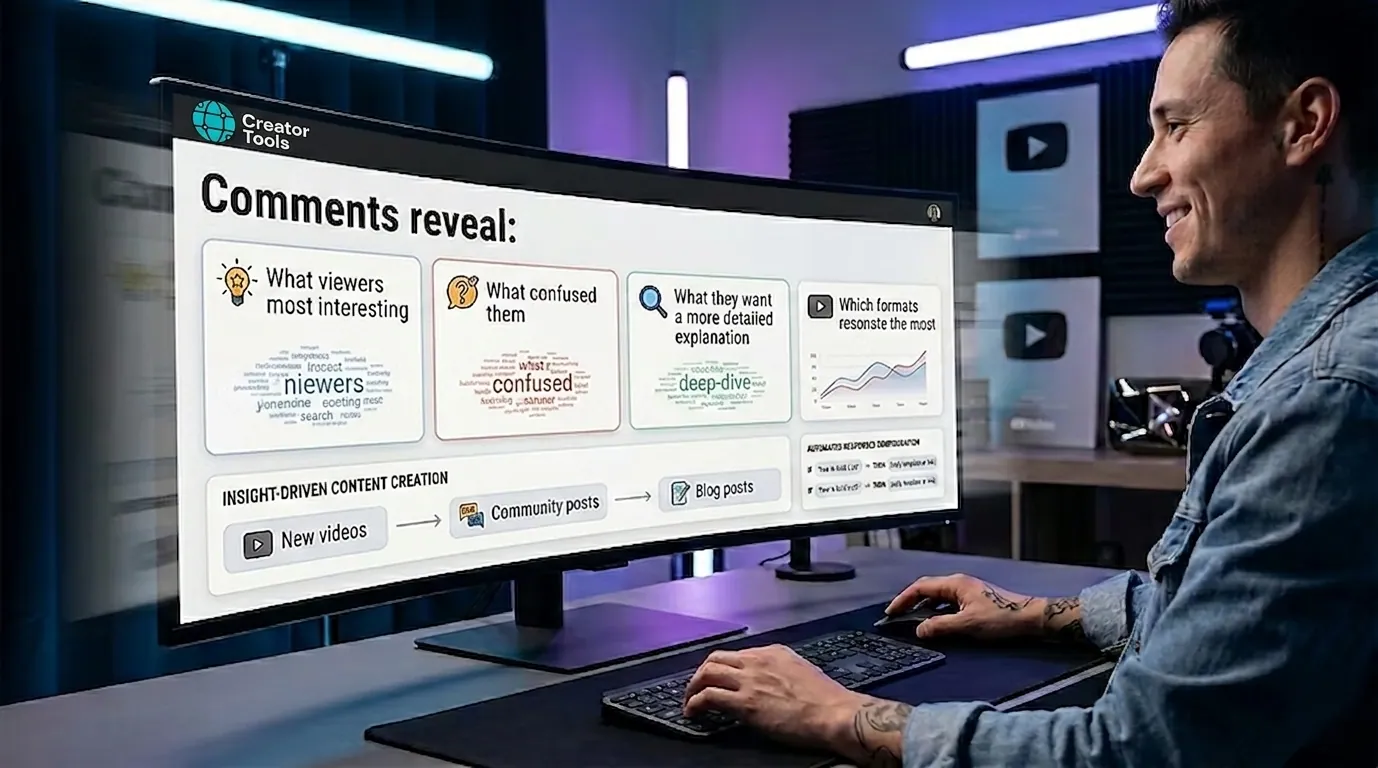
Comments reveal:
- what viewers found most interesting
- what confused them
- what they want explained in more detail
- which formats resonate best
Examples
Comment: “Can you make a separate video about editing?”
→ New video idea.
Comment: “Can you do a step-by-step beginner tutorial?”
→ Beginner-focused format.
Comment: “How does this work in Europe?”
→ Localized or region-specific content.
Simple rule
If the same question appears 5+ times, it’s probably worth making content about.
If it appears 20+ times, it could become one of your top-performing videos.
How Comments Reveal Product Opportunities
Comments don’t just help with content—they also reveal demand.
People often tell you directly what they’re willing to pay for.
Buying signals
- Do you offer training?
- Can I book a consultation?
- Do you have templates?
- Is there a ready-made solution?
- Where can I buy this?
- Is there a cheaper option?
Potential products
Based on audience demand, you might create:
- mini-courses
- consultations
- templates
- memberships
- digital products
- communities
- guides or checklists
Products built around real audience demand are dramatically easier to sell.
A Simple Weekly Comment Analysis System
To turn comments into actionable insights, you need consistency.
You don’t need complicated analytics—just a repeatable process.
Once a week, spend 30 minutes reviewing comments
Collect comments from recent videos
Focus on the past 7 days.
Categorize them
Sort comments into groups:
- praise
- questions
- pain points
- product requests
- criticism
- content ideas
Look for repeated patterns
What keeps coming up again and again?
Make decisions
Use the data to decide:
- your next video topic
- product improvements
- new offers
- future articles
- auto-reply scenarios
Update your AI workflows
Refine your automation and response systems based on what viewers are asking most often.
Why This Matters More Than Ever
The creators growing fastest today aren’t necessarily the ones posting the most videos.
They’re the ones who understand their audience best—and adapt quickly.
Comments give you real-time audience data every single day.
For free.
Ignoring that feedback means missing opportunities your audience is already pointing out.
Conclusion
YouTube comments aren’t just background noise under your videos.
They contain:
- audience pain points
- content ideas
- product opportunities
- objections
- buying intent
- growth signals
When combined with AI analysis and a consistent system, comments become one of the most powerful marketing resources available to creators.
Creator Tools organizes, analyzes, and automates comment workflows—so you can spot patterns faster, respond more effectively, and turn audience feedback into real channel growth.
While some creators ignore comments, others use them to build products, strengthen loyalty, and grow faster than the competition.