YouTube Comment Auto-Reply FAQ: Rules, Languages, Channels and Price
Thinking about letting AI answer your YouTube comments? These are the questions creators ask us most often before they try it: whether YouTube allows it, how replies in other languages work, what happens with several channels, how it compares with YouTube Studio's own reply suggestions, and what it costs. The answers describe how Creator Tools AI Comments works.
Is it allowed and safe?
Does YouTube allow automated replies to comments?
Yes, when they go through the official route. The YouTube API lets an app post replies on a channel whose owner has signed in and given it access. Creator Tools works this way: you sign in with Google through YouTube's own OAuth screen, the service never sees your password, and replies are posted from your channel to comments on your videos. Each reply is written for the comment it answers, not copied and pasted. What puts channels at risk is a different thing: sketchy workarounds, shared passwords and the same copy-paste text under every comment.
Is an AI auto-reply tool safe for my channel?
Use a tool that connects through the official YouTube API and Google sign-in, never one that asks for your password. Creator Tools is built on the official YouTube API and platform guidelines, and reports zero channel bans among its users.
Do I have to let the AI post replies on its own?
No. In Creator Tools, auto-reply (Autopilot) is off by default. Until you turn it on, the AI only prepares drafts: you read each one, edit it if you like and press Reply. Many creators start with drafts and switch auto-reply on once they trust the replies.
Languages and your voice
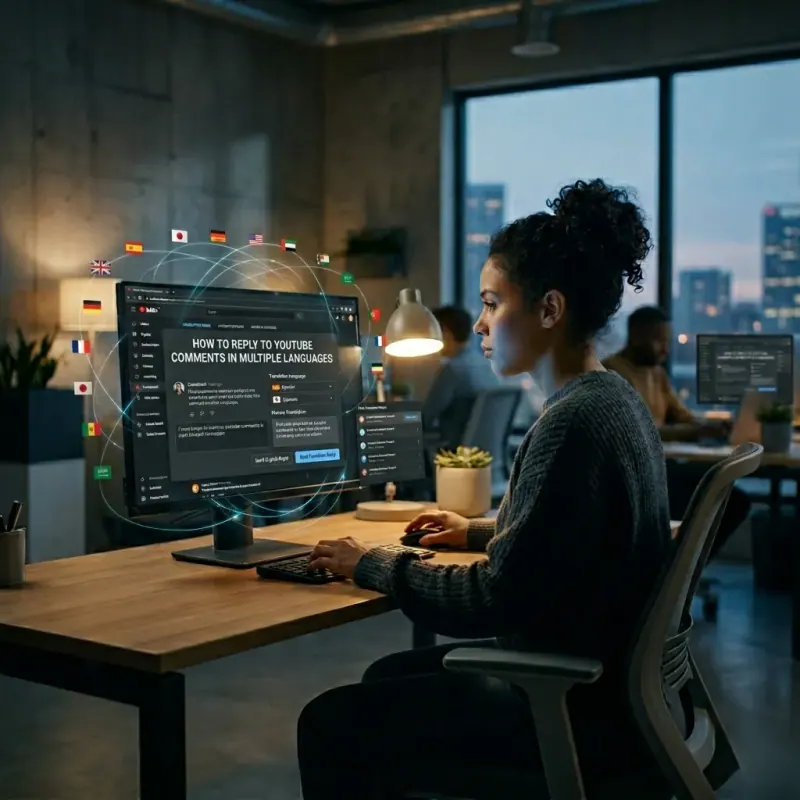
Can I reply to YouTube comments in different languages automatically?
Yes. Creator Tools detects the language of each comment and writes the reply in that language, in 140+ languages including Arabic, Japanese, Korean and Chinese. You do not set anything up per language. You stay in English: next to each comment you see an English translation, the AI reply and its English version.
Will the replies sound like me?
You set how they sound. Choose one of 48 ready-made styles (a tone, a male, female or company voice, formal or informal address), and add your own instructions on top, such as “keep it under two sentences” or “use emojis”. Before it replies, the AI also reads the comment and your video description, so the answer fits the video.
Can I reply as a brand rather than as a person?
Yes. The reply voice can be male, female or company, so a brand channel can answer in its own name, with its own instructions and tone.

Worried that replies will read like a bot? See how to make AI YouTube replies sound human.
How auto-reply works
How long does it take to set up?
About two minutes. Sign in with Google and choose your channel, pick a tone or describe how you want to sound, then either turn on auto-reply or start with drafts. There is no workflow to build and nothing to install.
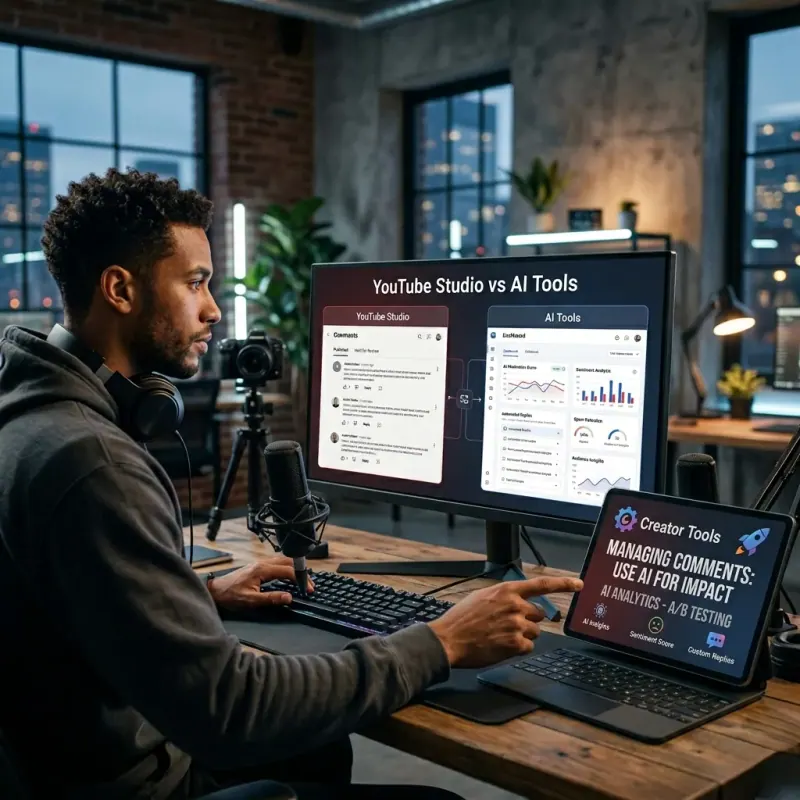
How is this different from YouTube Studio's reply suggestions?
YouTube Studio suggests a reply under a comment, and you post it yourself, one comment at a time, one channel at a time. Creator Tools can post replies for you every 10 minutes while you are away, keeps drafts when you prefer to check them, answers in each commenter's language and covers all your channels for one price. Studio suggestions are free; Creator Tools uses reply packs.
How often does auto-reply check for new comments?
Every 10 minutes, around the clock. Each time it takes the latest 50 comment threads on the channel and answers the new comments among them.
Will it reply to my old comments?
Auto-reply answers only comments that appeared after you turned it on, so it will not suddenly reply to two-year-old discussions. For older comments, use draft mode: the AI prepares a reply in the viewer's language and you publish the ones you want.
Can I keep auto-reply away from certain comments?
Yes. Add stop words: if a comment contains one of them, for example “giveaway”, “sub for sub” or a competitor's name, auto-reply does not answer it. You can also answer any comment yourself as usual.
Can it hide rude or spam comments?
Rude comments, yes. Turn on the Hide rude comments option and rude comments are hidden automatically, so even your viewers do not see them. Nothing is deleted: Creator Tools never deletes comments. With the rude comment filter on, the AI also skips offensive comments, and you decide whether to answer them yourself. For spam-style comments, add stop words such as “sub for sub” or “giveaway” so auto-reply does not answer them.
Can I reply to comments on one video only?
Yes. You can work with comments across the whole channel or pick one video and handle only its comments, for example a new upload or a video that suddenly gets a lot of questions.
Can I edit a reply after it is published?
Yes. A published reply can be edited right in Creator Tools, so you do not have to look for it on YouTube.
Can I pause auto-replies?
Yes, in one click, per channel, at any time. Your tone, instructions and settings stay as they are, and everything picks up where it stopped when you switch it back on.
For a side-by-side look at Studio suggestions, Chrome extensions, Make/Pabbly workflows and reply services, see YouTube Studio reply suggestions vs AI auto-reply tools.
Try it on your own channel: 200 replies free for a month, no credit card needed. Auto-reply stays off until you turn it on.
Channels and pricing
Can I manage comments on several YouTube channels?
Yes. Every Creator Tools plan includes unlimited channels for one price. Replies from your pack can be used on any of them, and auto-reply can be turned on or paused for each channel separately.
How much does AI comment auto-reply cost?
Creator Tools sells reply packs, not a subscription: Basic is $9.99 for 3,100 replies, Advanced $24.99 for 9,300 replies and Pro $64.99 for 31,000 replies. Replies never expire, and there are no per-channel fees.
What do I get for free?
200 replies over a one-month trial, with no credit card. Every feature is included: auto-reply, drafts, all tones and 140+ languages. When the free replies run out, auto-reply simply stops. Nothing is charged, because there is no card on file.
Comparing options before you decide? Our list of the best AI tools to reply to YouTube comments covers who each tool fits, including the ones that are not ours. Plans and the live demo are on the AI comment auto-reply page, and all plans are on the pricing page.