
Creator Tools Articles: Promote YouTube Videos — page 5
Withdraw AdSense Earnings Easily Through Our Partner Network
Many creators in Belarus and Russia struggle to withdraw AdSense earnings. Our partner network offers card, creator-to-creator and crypto payouts.

YouTube Auto Reply: Stop Replying to Comments Manually — Let AI Do It
YouTube auto reply for comments: AI answers each viewer in their language and your tone, every 10 minutes. Review drafts first or let it post for you.
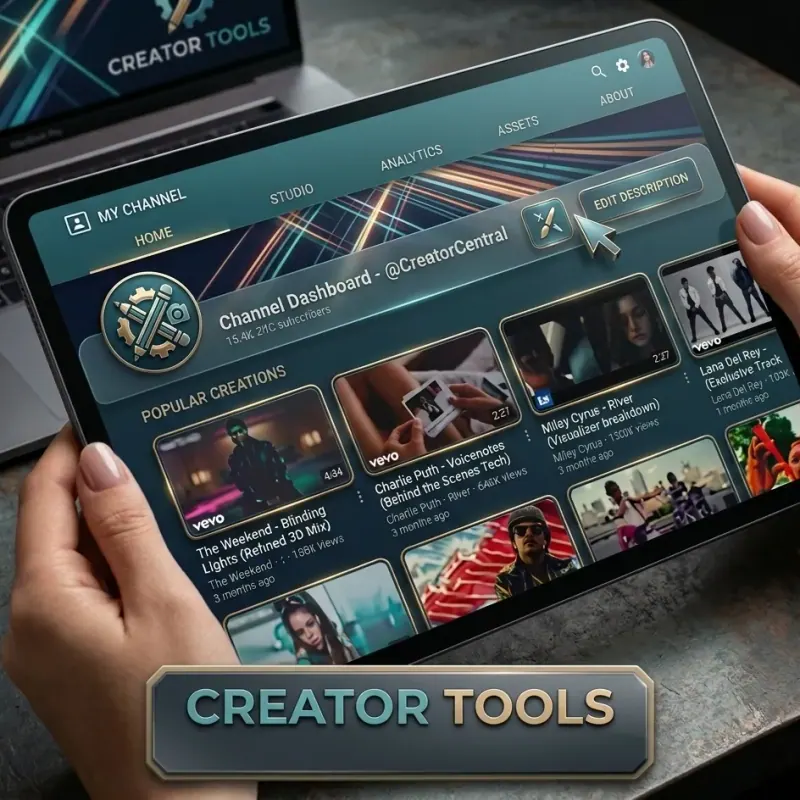
How to Write a Cool, Attractive YouTube Channel Description
How to write an attractive YouTube channel description: lead with the viewer benefit, use the first 125 characters, add keywords and your upload schedule.

YouTube Channel Memberships and Ad Exchanges: Unlock Your Earning Potential
How YouTube channel memberships and ad exchanges help creators earn beyond AdSense: how memberships work, who can enable them, and top exchange platforms.
YouTube Copyright Strikes and DMCA Notices: What They Are and How to Avoid Them
What a YouTube copyright strike and a DMCA notice are, how a copyright claim differs, and how to handle or avoid them when you use content made by others.
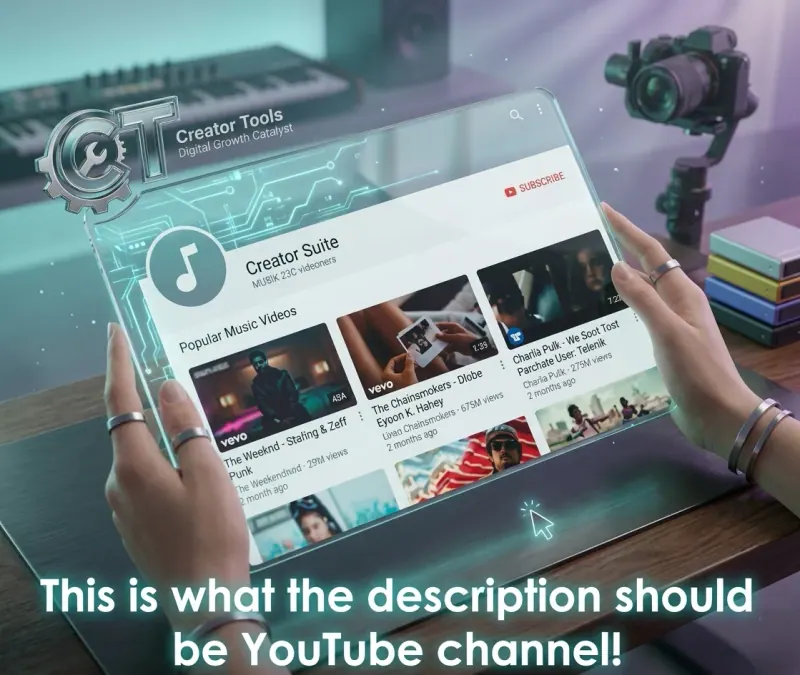
YouTube Localization: How Translated Titles and Descriptions Increase Views
A YouTube localization strategy for titles and descriptions that attracts viewers from other countries and helps increase views through native traffic.
YouTube Metadata Translation: Boost Your Channel’s Visibility
Adding translations to a YouTube video starts with its metadata: how translating titles, descriptions and subtitles improves SEO and global reach.
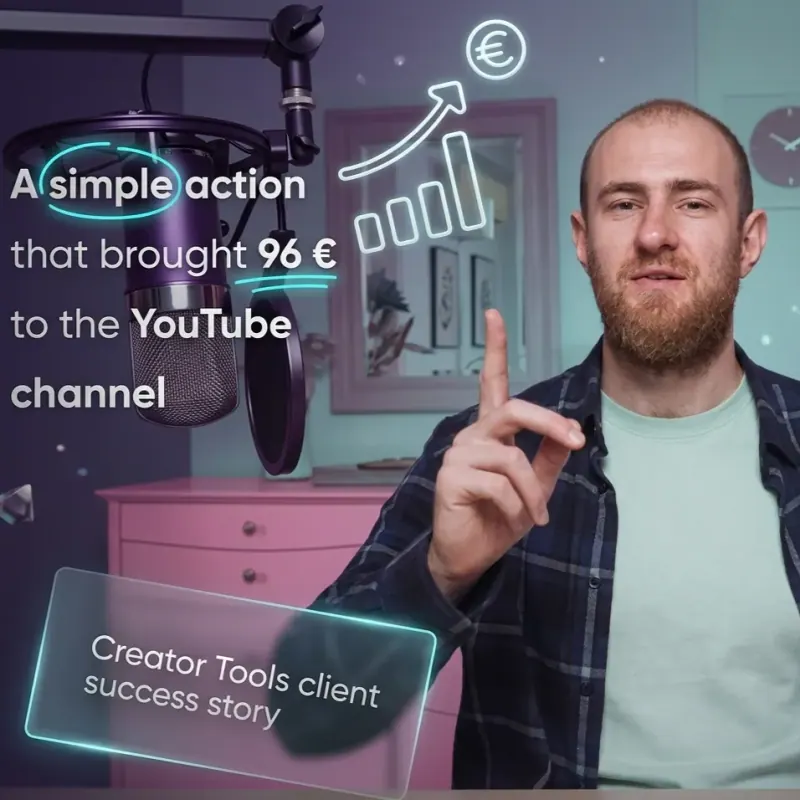
How YouTube Subtitle Translation into German Earned $96 Extra in Just Two Days
See how creator Galina Teryaeva used YouTube subtitle translation to add German captions and earned $96 more in monetization within just two days.
YouTube Subtitle and Metadata Translation for Business: Unlock Your Channel’s Full Potential
Why translate the subtitles, titles and descriptions of a business channel? New markets, better SEO, clearer products and a professional image.
How to Add Timestamps (Chapters) to YouTube Videos: Step by Step
Add timestamps to your YouTube description, starting at 0:00, and YouTube turns them into chapters. You need 3+ chapters of at least 10 seconds each.