YouTube Create and Dream Screen: New Tools to Enhance Your Content
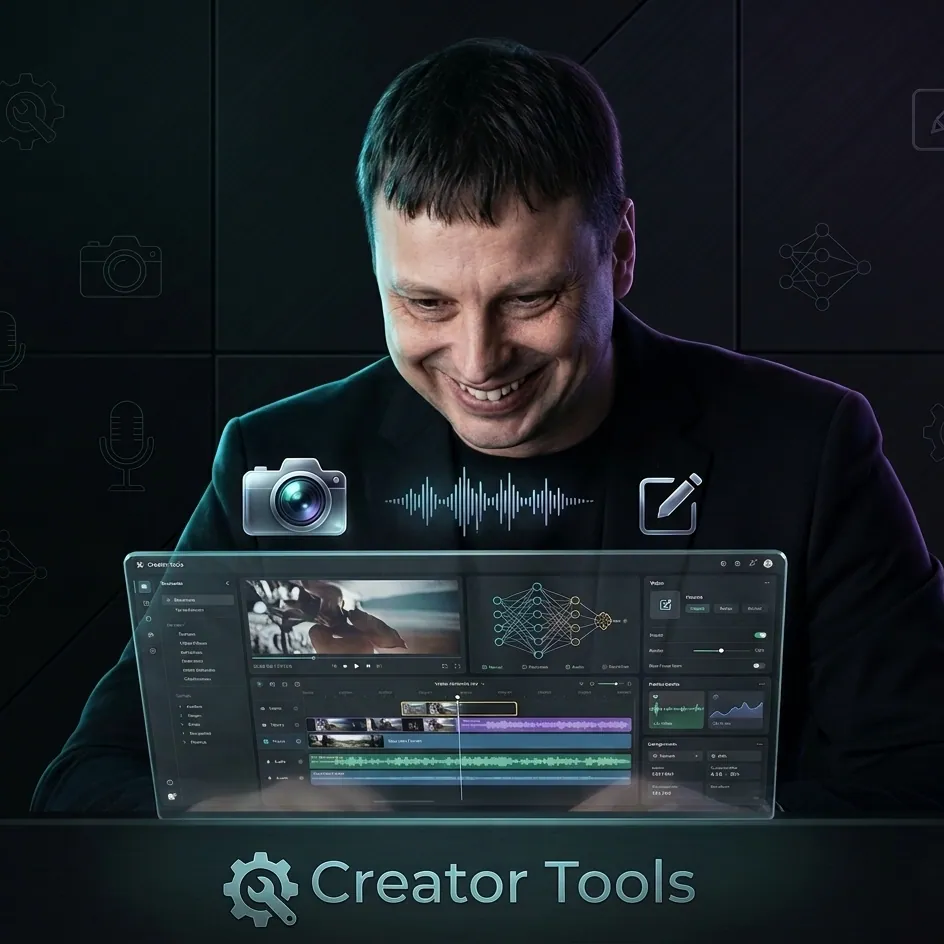
Hello, creators! We're the Creator Tools team, and we build tools that make content creation easier and more profitable. YouTube continues to roll out exciting innovations that can help you produce better videos and reach a wider audience. Here are two cutting-edge tools worth knowing about: YouTube Create and Dream Screen.
YouTube Create: Your Personal Mobile Video Editor
YouTube Create is a free video editor designed to help you produce professional-quality videos directly from your mobile device. With an intuitive interface and a wide range of filters and effects, you can deliver polished content without expensive hardware or complex software.
Key features:
- Easy editing — cut, trim, and merge clips effortlessly
- Filters and effects — apply a variety of visual enhancements to your footage
- User-friendly interface — navigate the editing workflow with minimal friction
Getting started:
- Download the beta version of YouTube Create on your Android device
- Experiment with the editing tools and effects to find what fits your style
- Produce professional videos and publish them directly to your YouTube channel
Dream Screen: AI-Generated Backgrounds for Shorts
Dream Screen is an innovative feature that lets you add AI-generated background images and videos to your YouTube Shorts. Just describe the scene you want — "underwater," "in space," or anything else — and the AI builds an immersive backdrop designed to boost viewer engagement.
Key features:
- AI customization — generate unique backgrounds from plain-text descriptions
- Increased engagement — captivate your audience with visually striking, thematic backdrops
- Early access available now, with a full public release in January 2024
How to use Dream Screen:
- Describe the background scene you have in mind
- Let the AI generate a customized backdrop for your Short
- Apply the background to make your video more visually compelling

Maximize Your Reach with AI-Powered Tools
Our AI-based tools are built to help you optimize content and expand your global reach — and you can try them for free before committing to a purchase.
Visit our website to see how Creator Tools can help you achieve worldwide visibility and streamline your entire content creation process. Start using these innovations today and take your YouTube channel to the next level.