YouTube Comment Reply Generator: Automate Replies With AI in 5 Steps
To automate YouTube comment replies with Creator Tools, choose a role, form of address and tone, generate AI replies to your unanswered comments, edit any you want and publish them. Or turn on auto-reply, and replies go out every 10 minutes without your approval.

How Do You Generate AI Replies to YouTube Comments?
Now you can build a dialogue with your audience quickly and effortlessly. Here's a step-by-step guide to how it works.
Step 1. Go to Our Service's Website
- Open the website
- How to log in to the service is explained in detail in the login guide
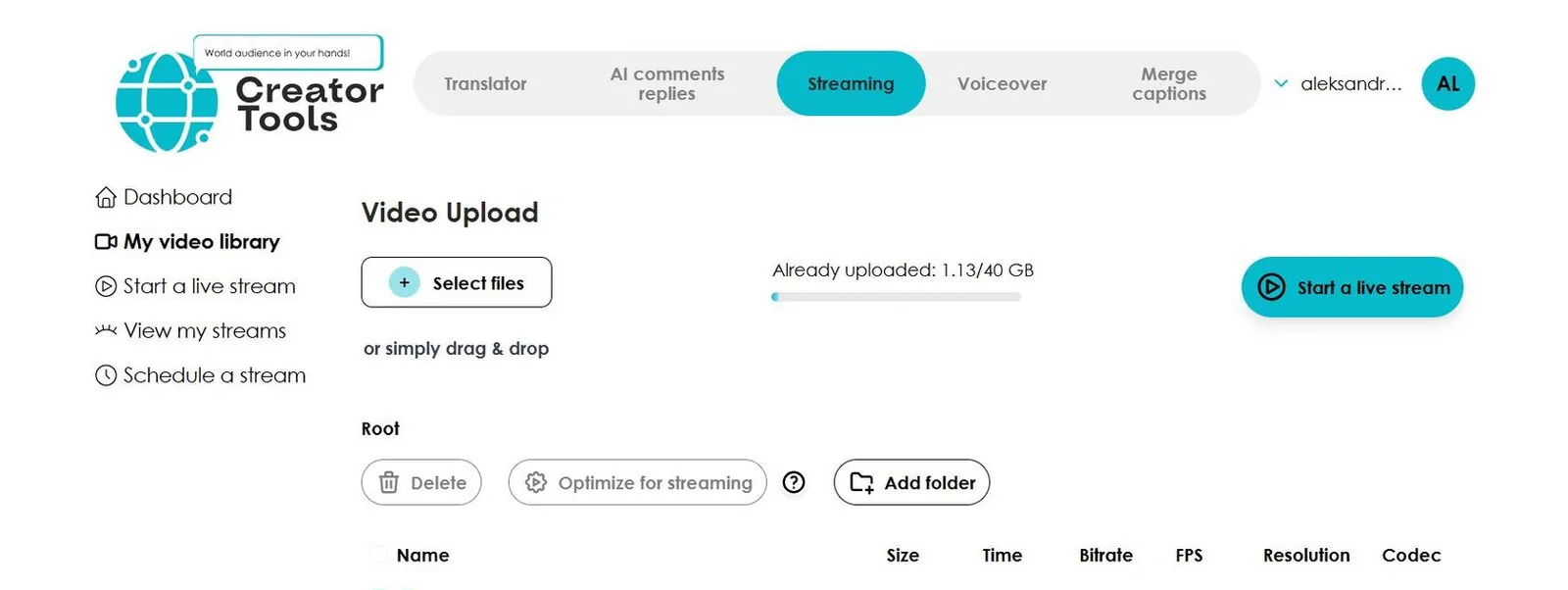
- On the homepage, go to the AI Replies to Comments tab

Step 2. Choose the Main Settings for Your Replies
- Choose a role for the reply (male, female, or on behalf of the company)
- Select the form of address
- Choose the tone for the reply
- Optionally, write your own preferences in the custom instructions field

Step 3. Generate Replies
- Click the Generate AI Replies for Unanswered Comments button
- The service will generate replies to all comments on your channel's video in seconds
- The service automatically generates replies in the commenter's language

Step 4. Edit Generated Replies If Needed
- The service creates replies based on your preferences
- If any reply needs tweaking, use the Edit button to adjust it before publishing

Step 5. Save Your Replies
- At the very end, click I have read and agree to publish the responses
- Then click the Save Replies! button to publish them all

The replies are natural and highly engaging for your audience.
What Does Each Reply Setting Do?
Hide Rude Comments

Tick this box to hide rude, profane or policy-violating comments from the comment list in Creator Tools, so you don’t spend time on them. They are hidden only in the app: nothing is hidden or deleted on YouTube.
Choose a Reply Role

The selected role defines the perspective from which replies are generated. Three options are available: male, female, or company. This ensures the tone feels natural and fits your purpose.
Choose the Form of Address

The service offers two forms of address: formal or informal. Note that in some languages there is no direct equivalent of a formal or informal "you," so replies may use neutral wording in those cases.
Choose the Tone

The tone lets you set the communication style to match your goal — from formal and professional to friendly or assertive. Choose a tone to create the right mood for every response.
Custom Preferences

You can enter any specific instructions for the reply in this field. The service will factor in your preferences when generating each response.
Manage Multiple Channels

Running more than one channel? Simply click Add Channel to manage all your channels within a single service account.
Generating Replies

The service generates replies to all unanswered comments in just a few seconds — no waiting, no manual work.
Try it on your own channel: pick a role and tone, then generate replies to your unanswered comments. The first 200 replies are free, no credit card needed.
Can Replies Go Out Automatically?
Yes. Besides draft mode, where you review, edit or regenerate replies before publishing, you can turn on auto-reply for a channel. It runs every 10 minutes, takes the latest 50 comment threads, replies to top-level comments that have no reply yet and posts on behalf of your channel without approval. You can set stopwords to skip comments, set daily or hourly limits, and switch it on or off for each channel.
Why Automate YouTube Comment Replies?
- Boosts engagement — the more replies, the higher the activity on your channel
- Builds loyalty — subscribers appreciate attention and personalized responses
- Saves hours of time — AI works in bulk, not one comment at a time
- Supports monetization — engagement and audience retention affect your channel’s revenue
Make more time for creativity. Say goodbye to hours of manual replies. With AI, your viewers get personalized, smart, and polished responses under every comment. Start meaningful conversations with your audience quickly and effortlessly.