How to Respond to YouTube Comments: 100 a Day Without Wasting Hours
For many YouTube creators, comments are both an opportunity and a challenge. This guide shows how to respond to YouTube comments when there are 50–100 of them a day: what to automate, what to answer yourself and how to keep replies human.
On one hand, they drive engagement, build loyalty, and keep viewers coming back. On the other, replying to dozens—or even hundreds—of comments every day quickly becomes overwhelming.
As your channel grows, comments start taking up hours of your time. And if you stop responding, engagement drops and your connection with the audience weakens.
That’s why more creators are turning to AI-powered auto-replies.
How Much Time Comments Actually Take
On a small channel, handling 10–20 comments a day is manageable.
But once your videos start gaining traction, things escalate fast.
A typical growing channel sees:
- 50–100 comments per day
- repeated questions
- comments coming in around the clock
- multiple languages
- expectations for quick replies

Even if you spend just 1–2 minutes per comment:
- 50 comments = up to 1.5 hours
- 100 comments = 3+ hours a day
- Over a month = dozens of hours lost
That’s time you could spend on filming, editing, scripting, or growing your channel.
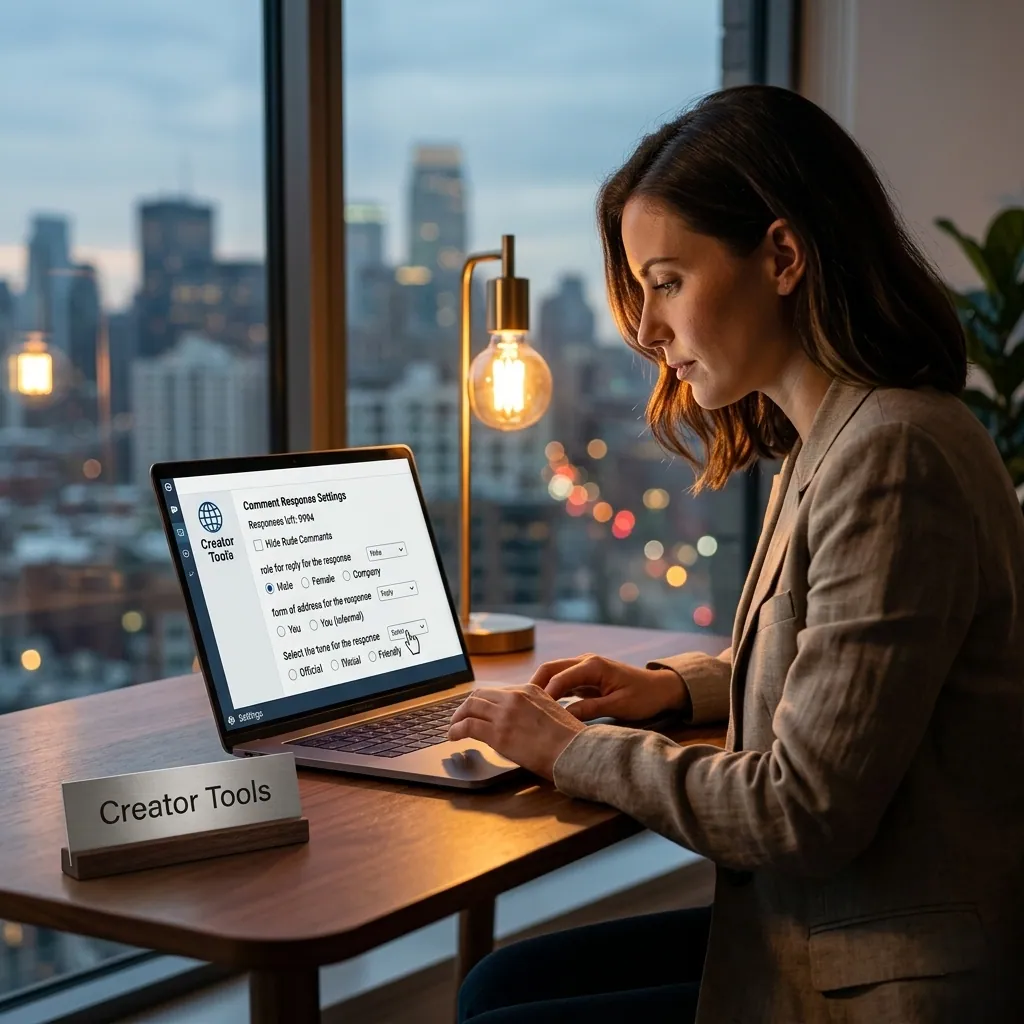
Creator Tools can take the routine replies off your plate and answers in your own voice, in each commenter’s language. You can try it on 200 replies for free, no credit card needed.
Which Comments You Can Automate
Not every comment needs a personal reply.
A large portion of comments are repetitive—and perfect candidates for automation.
Comments you can automate
- thank-you messages
- short positive feedback
- frequently asked questions
- link requests
- pricing questions
- product-related questions
- comments in other languages
- requests for more details
Example responses
Comment: Thanks for the video!
Reply: Thanks for watching—glad it helped!
Comment: Where’s the link?
Reply: The link is in the description below 👇
Comment: How much does it cost?
Reply: You can find the current price in the description.

These types of replies can be handled automatically without hurting the quality of communication.
Should You Reply to All YouTube Comments Personally?
Automation should support you—not replace you.
Some comments require a real human response.
Reply manually to:
- personal or emotional stories
- serious criticism
- sensitive or controversial topics
- complaints
- unique or complex questions
- collaboration requests
- messages from partners or key followers
Example
Comment: Your video inspired me to start my own business.
This deserves a thoughtful, personal reply—not a generic response.
AI should handle routine interactions so you can focus on meaningful ones.
Auto-Reply Scenarios You Can Set Up
Well-configured automation works like a virtual assistant for your channel.
Gratitude
If the comment includes: thank you, love this, awesome
Reply: Thanks for your support—really appreciate it 🙌
Link requests
If the comment includes: link, where to buy, where can I find
Reply: You’ll find everything in the description below 👇
Pricing questions
If the comment includes: price, cost, how much
Reply: Pricing details are available via the link in the description.
International comments
If a comment is written in another language:
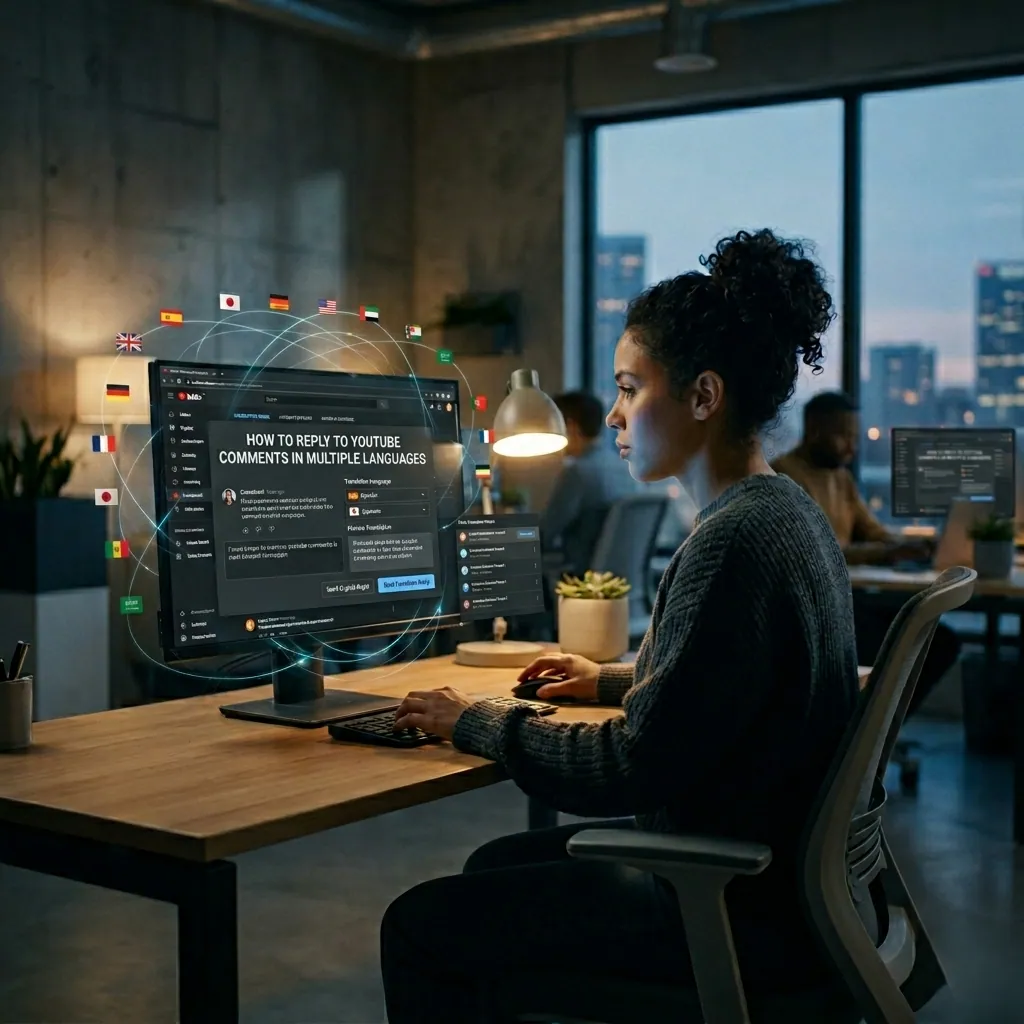
Reply: Respond automatically in the same language.
Content suggestions
If someone says: You should make a video about…
Reply: Great idea—thanks for the suggestion!
How to Organize Replies by Category
To make automated replies feel natural, group them by intent.
Thank-you replies
Goal: reinforce connection
Examples:
- Thanks so much—really appreciate it!
- Glad you found it helpful
- Thanks for the support 🙌
Question replies
Goal: provide quick answers
Examples:
- Check the description for details 👇
- I’ll cover this in a future video
- Great question—more on this soon
Pricing replies
Goal: guide toward conversion
Examples:
- You can find current pricing at the link below
- Pricing depends on the setup—details are in the description
Link replies
Goal: drive clicks
Examples:
- All links are in the description
- You’ll find everything below the video
This structure keeps responses relevant and consistent.
How to Keep Auto-Replies Feeling Human
The biggest concern creators have: “If I automate replies, people will notice it’s a bot.”
That only happens when automation is poorly set up.
Use multiple variations
Don’t rely on one template. Create several versions of the same reply.
Match your tone of voice
Keep your communication style consistent—whether it’s casual, expert, or humorous.
Personalize when possible
Using a viewer’s name can significantly increase trust.
Focus on priority comments
Let AI handle routine replies while you engage with important ones.
Update your replies regularly
Refresh your response library every few weeks to keep things natural.
Why Automation Is No Longer Optional
Manual replies work—until they become a bottleneck.
Once your channel starts growing, responding to every comment manually is no longer realistic.
Automation helps you:
- stay responsive 24/7
- avoid missing comments
- maintain engagement
- save hours every week
FAQ
How long does it take to respond to 100 YouTube comments?
At 1–2 minutes per comment, 50 comments take up to 1.5 hours and 100 comments take 3+ hours a day, which adds up to dozens of hours a month.
Should I reply to all YouTube comments?
Reply to every comment, but not all of them by hand. Thank-you messages, link requests, pricing questions and comments in other languages can be answered automatically; personal stories, serious criticism, complaints and collaboration requests deserve a personal reply.
How do I keep automatic replies from sounding like a bot?
Use several variations of each reply, match your tone of voice, use the viewer’s name when possible and refresh your reply library every few weeks.
Conclusion
Comments are one of the most powerful growth drivers on YouTube—but only if you engage with them.
Ignoring them costs you views, loyalty, and long-term audience growth.
But trying to handle everything manually isn’t sustainable either.
The solution is to automate the routine while staying present where it matters.
Creator Tools lets you automatically respond to comments, match your tone of voice, and engage with viewers at scale—without spending hours every day.

Because growing on YouTube isn’t just about creating content anymore—it’s about consistently showing up in the conversation.